Why VR Users Don’t Read Instructions

Kirill Virovets
UX Design
min read
Why VR Users Don’t Read Instructions
And What Developers Should Do Instead
One of the most common surprises for developers building VR apps on
Meta Quest, Apple Vision Pro, and Pico headsets:
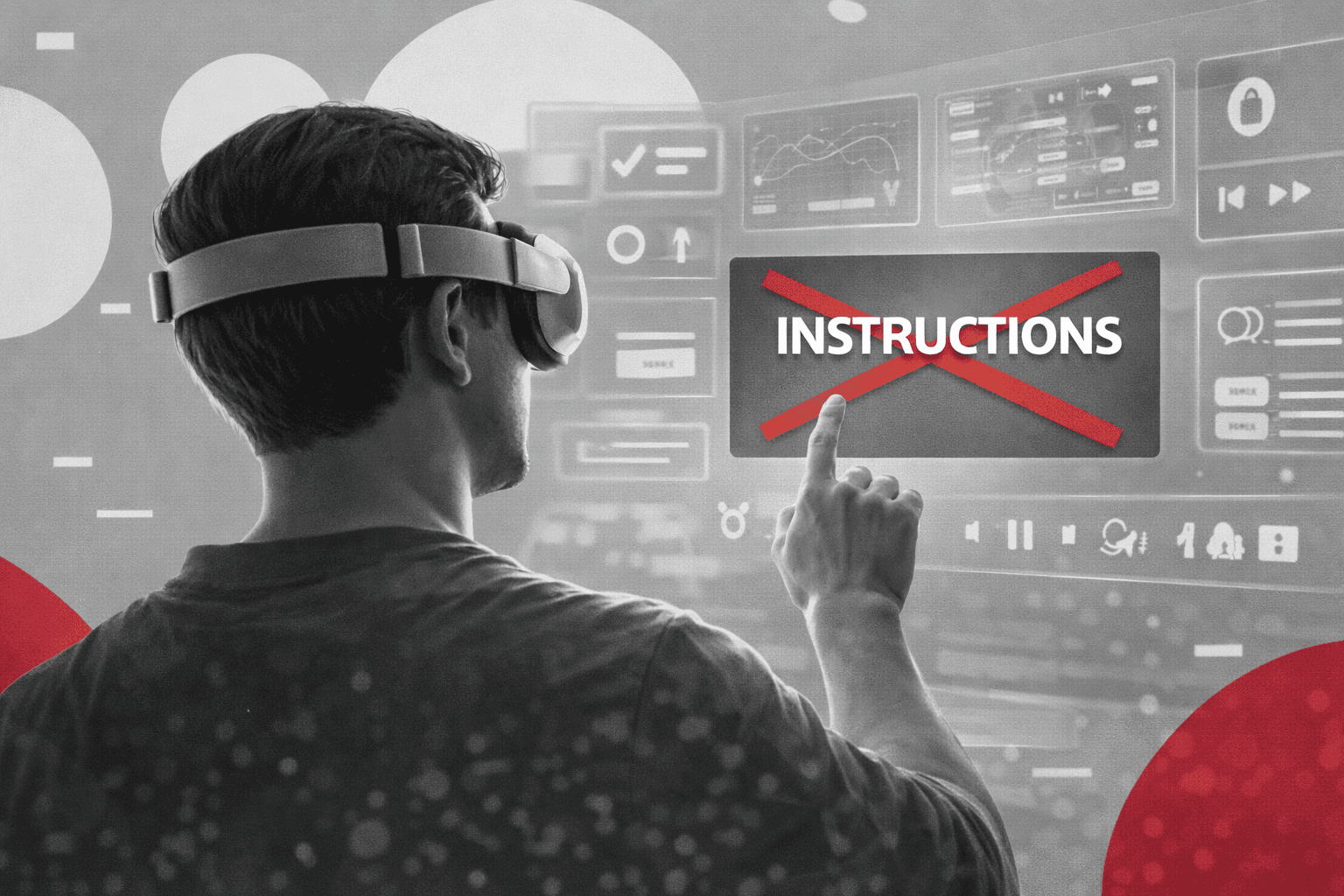
users don’t read tutorials.
Not short ones.
Not well-designed ones.
Not even critical safety instructions.
This isn’t a UX failure.
It’s a medium problem.
Understanding why this happens is key to building successful
VR and MR products.
Reading in VR is physically uncomfortable
On devices like Meta Quest 2 / 3, Pico 4, and Vision Pro,
text behaves very differently than on mobile or desktop.
Users struggle with:
focusing on flat UI elements in 3D space
vergence and depth conflicts
limited pixels per degree
head movement required to scan text
What feels natural on a phone
becomes physically tiring in a headset.
Long paragraphs?
Instant drop-off.
Cognitive load is already high
When users put on a headset —
whether it’s Quest, Vision Pro, or Pico —
their brain processes:
new environment
depth perception
spatial audio
controller or hand tracking
body movement
They are busy just existing in VR.
Adding:
onboarding screens
popups
text instructions
pushes them into overload.
Result:
They ignore everything.
VR breaks classic learning patterns
In 2D apps, users:
skim
scroll
scan for keywords
In VR headsets:
no fast scrolling
no peripheral reading
every movement costs effort
There is no cheap attention
inside immersive environments.
Presence beats UI
On Vision Pro, immersion feels even stronger
because of:
high resolution
eye tracking
spatial UI
On Meta Quest and Pico,
full isolation increases presence.
In both cases:
overlays feel artificial.
Users simply don’t look at them.
That’s why:
popups fail
text hints get ignored
help screens get skipped
What works instead on VR platforms
If users won’t read,
your product must teach without text.
1. Learn by doing
interactive onboarding
forced first action
immediate feedback
Works equally well on:
Meta Quest, Vision Pro, Pico.
2. Visual cues
glowing objects
motion hints
light direction
UI anchored in space
3. Environmental guidance
Let the world explain itself:
doors that open
objects that react
paths that lead
No text needed.
4. Soft constraints
Instead of:
“You can’t go there”
Use:
physical blockers
level design
invisible walls
Users understand naturally.
5. Fail-safe UX
Instead of:
“Don’t press this button”
Design:
undo actions
confirmations
safe defaults
Users will experiment anyway —
especially in VR.
Development takeaway
If your VR app on
Meta Quest, Vision Pro, or Pico
needs instructions —
your UX is already broken.
Great immersive products:
don’t explain
they demonstrate
The interface must:
teach itself.
Business impact
Bad onboarding in VR leads to:
instant churn
low retention
poor first session
On all platforms:
Quest, Vision Pro, Pico —
first impression = lifetime value.
Final thought
VR and MR are not:
mobile
desktop
console
They are new mediums.
And new mediums require:
new UX rules.
Stop writing tutorials.
Start designing experiences.
Stay informed with the latest guides and news.