Why Removing Features Makes Products Better

Kirill Virovets
Web design
min read
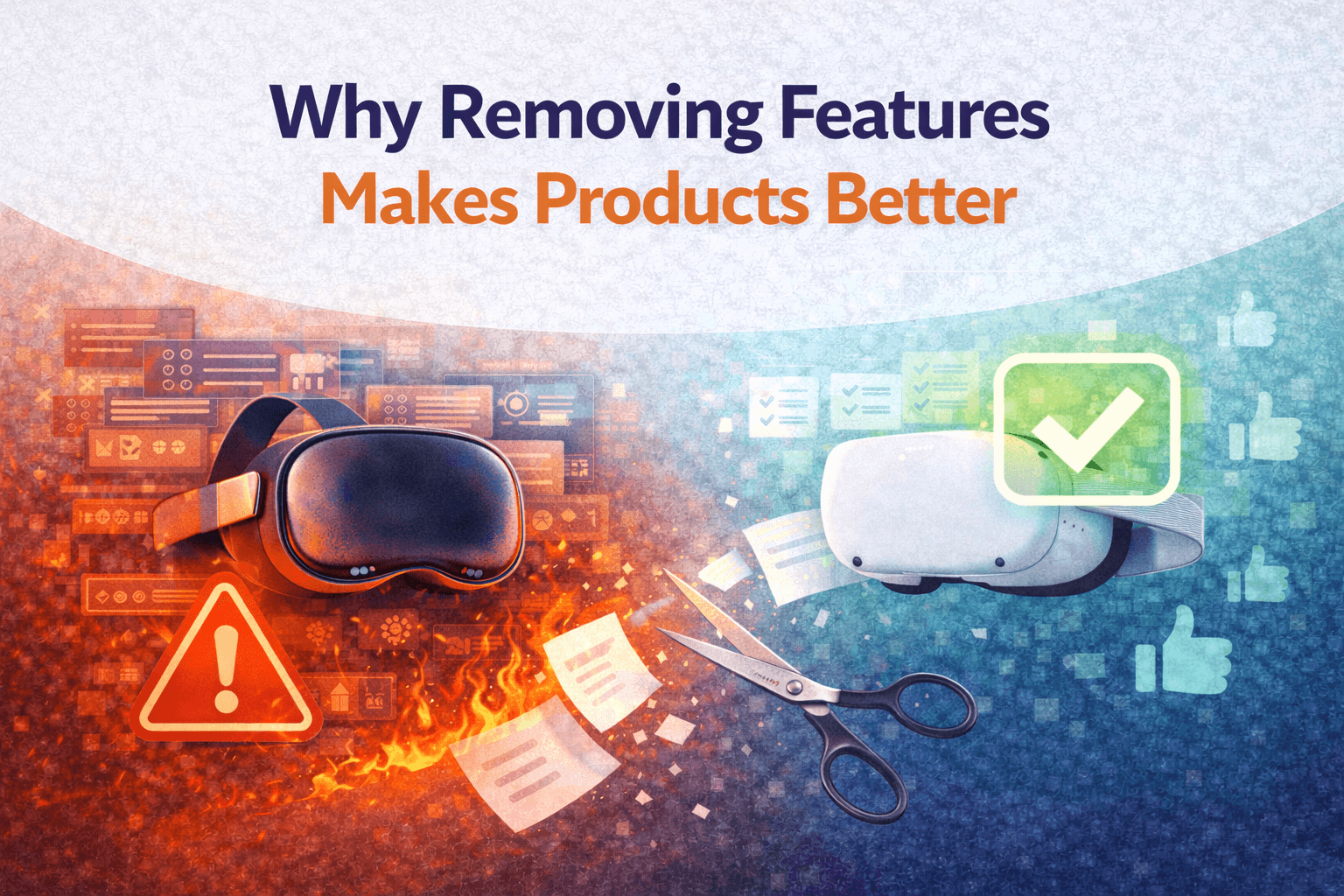
Why Removing Features Is a Product Skill
And Why It’s Not a Failure
In product development, adding features is easy to justify. Removing them is much harder.
Teams often see feature removal as a step back — a sign that something didn’t work. In reality, the opposite is true. Knowing when and how to remove features is one of the most important skills in building scalable, usable products.
This is especially true in VR, XR, and spatial products, where every extra interaction increases cognitive and physical load.
Why features accumulate in the first place
Most products start with assumptions.
Early features are built based on:
user interviews
competitive analysis
internal ideas
“this might be useful later”
At this stage, adding features feels like progress.
But once real users arrive, assumptions meet reality.
Some features:
are rarely used
solve edge cases
confuse new users
add complexity without clear value
Yet they often stay — because removing them feels risky.
Example 1: A feature users never notice
In one VR product, a secondary navigation option was added to “improve flexibility.” Analytics later showed that less than 5% of users ever interacted with it.
Worse, first-time users were confused. They didn’t know which path to choose, hesitated, and often dropped out during onboarding.
After removing that option, activation increased. New users moved faster, made fewer mistakes, and understood the product more quickly.
Nothing critical was lost — but clarity was gained.
Example 2: A powerful feature that hurt the core experience
Another common case is a feature that works well for advanced users but damages the core flow.
For example, a detailed settings panel gave users full control over behavior and customization. Power users loved it. Everyone else ignored it — or accidentally broke their experience.
The result:
more support requests
more confusion
more maintenance
The solution wasn’t to explain the feature better.
It was to remove it from the default flow and simplify the core experience.
Advanced control was replaced with smart defaults. Satisfaction improved for most users, even though one feature was technically “lost.”
Why feature removal improves UX
Every feature has a cost.
In traditional software, that cost is mostly cognitive.
In VR and XR products, it’s also physical.
Extra UI elements mean:
more things to look at
more decisions to make
more effort to understand space and interaction
Removing features reduces friction. It lowers cognitive load, improves comfort, and helps users focus on what actually matters.
In immersive products, this directly impacts:
onboarding success
session completion
retention
Feature removal is a signal of product maturity
Early products grow by adding.
Mature products grow by refining.
When teams remove features, it usually means:
real usage data exists
core use cases are clear
priorities are aligned
the product has focus
This is not a rollback.
It’s evolution.
How to remove features without hurting trust
Feature removal doesn’t mean ignoring users. It means understanding them better.
Good teams:
rely on usage data, not opinions
communicate changes clearly
remove features gradually when needed
replace complexity with better defaults
When done right, most users don’t even notice that something was removed. They just feel that the product became easier to use.
Why this matters for business metrics
From a metrics perspective, removing features often leads to:
higher activation
better retention
fewer support issues
lower maintenance cost
Complexity doesn’t scale.
Focus does.
Final thought
Removing features is not about doing less work.
It’s about doing the right work.
Products don’t fail because they have too few features.
They fail because they have too many that don’t matter.
The ability to remove features — deliberately and confidently —
is one of the strongest signals of a healthy product team.
Stay informed with the latest guides and news.